> ## Documentation Index
> Fetch the complete documentation index at: https://particlenetwork-fccf74d2-chore-updates.mintlify.site/llms.txt
> Use this file to discover all available pages before exploring further.

# Lesson 1: Initialize the UA

> Learn how to create and configure a Universal Account for your dApp.

In this lesson, you'll learn how to set up a Universal Account after a user connects their wallet. By the end, you'll be able to initialize a UA instance that works across multiple blockchains.

Before getting started, make sure you understand the following concepts:

<CardGroup cols={2}>
  <Card title="Familarize with Chain Abstraction" icon="layer-group" href="/intro/what-is-cha"> Understand the concept of [Chain Abstraction](/intro/what-is-cha)</Card>
  <Card title="Familarize with Universal Accounts" icon="user" href="/intro/universal-accounts"> Understand the concept of [Universal Accounts](/intro/universal-accounts)</Card>
</CardGroup>

## Lesson Overview

This lesson covers:

1. Setting up wallet connection with Ethers.js
2. Importing and configuring the Universal Account SDK
3. Initializing a Universal Account instance
4. Configuring advanced features like slippage tolerance and gas abstraction

## Prerequisites

Before starting, make sure you have:

* Cloned the [starter app repository](https://github.com/soos3d/ua-learn-series)
* Basic familiarity with React and Ethers.js

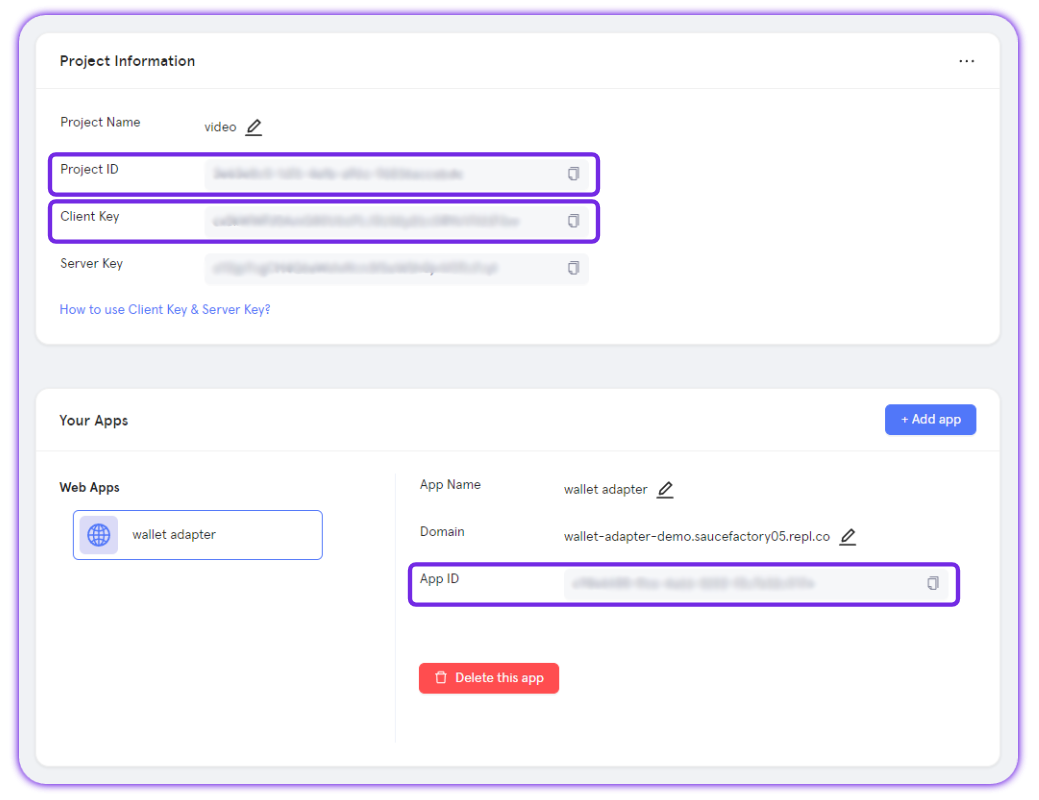
The Universal Account SDK requires a Particle project credentials from the [Particle Dashboard](https://dashboard.particle.network/).

To retrieve those values for configuration within your application, follow these steps:

<AccordionGroup>
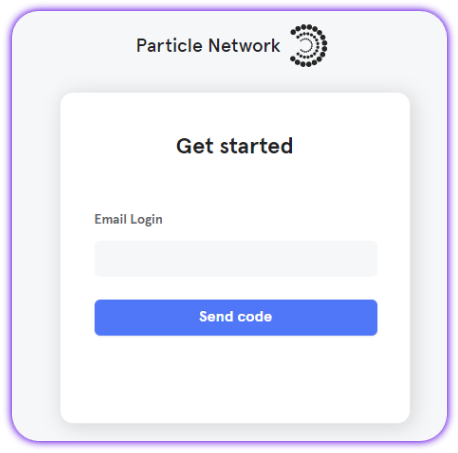
  <Accordion title="Access the Particle Dashboard">
    Sign up or Log in into the [Particle dashboard](https://dashboard.particle.network/)

    <div className="flex justify-center">
      <img className="block h-64 dark:hidden" src="https://mintcdn.com/particlenetwork-fccf74d2-chore-updates/8iZajNBu4sT1FbM4/social-logins/images/login.png?fit=max&auto=format&n=8iZajNBu4sT1FbM4&q=85&s=87b5bed87534d5e9d6e3f298448eb986" alt="Login into Particle." width="458" height="453" data-path="social-logins/images/login.png" />

      <img className="hidden h-64 dark:block" src="https://mintcdn.com/particlenetwork-fccf74d2-chore-updates/8iZajNBu4sT1FbM4/social-logins/images/login.png?fit=max&auto=format&n=8iZajNBu4sT1FbM4&q=85&s=87b5bed87534d5e9d6e3f298448eb986" alt="Login into Particle." width="458" height="453" data-path="social-logins/images/login.png" />
    </div>
  </Accordion>

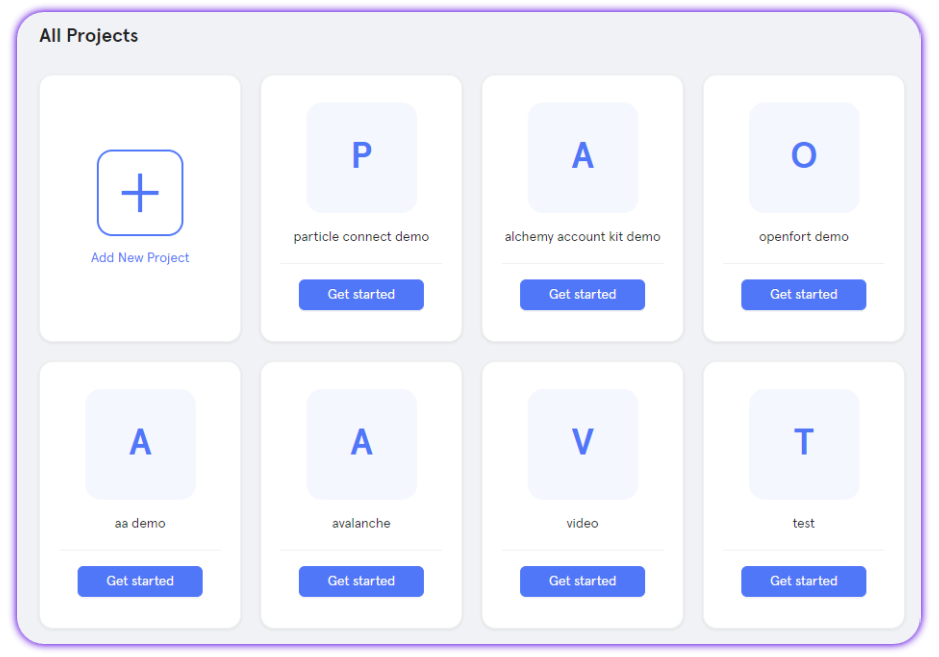
  <Accordion title="Create a new project or enter an existing project">
    <div className="flex justify-center">
      <img className="block h-64 dark:hidden" src="https://mintcdn.com/particlenetwork-fccf74d2-chore-updates/8iZajNBu4sT1FbM4/social-logins/images/project.png?fit=max&auto=format&n=8iZajNBu4sT1FbM4&q=85&s=28d75a2344f7b1a60a8581ee8e8b56df" alt="Create Particle project." width="939" height="657" data-path="social-logins/images/project.png" />

      <img className="hidden h-64 dark:block" src="https://mintcdn.com/particlenetwork-fccf74d2-chore-updates/8iZajNBu4sT1FbM4/social-logins/images/project.png?fit=max&auto=format&n=8iZajNBu4sT1FbM4&q=85&s=28d75a2344f7b1a60a8581ee8e8b56df" alt="Create Particle project." width="939" height="657" data-path="social-logins/images/project.png" />
    </div>
  </Accordion>

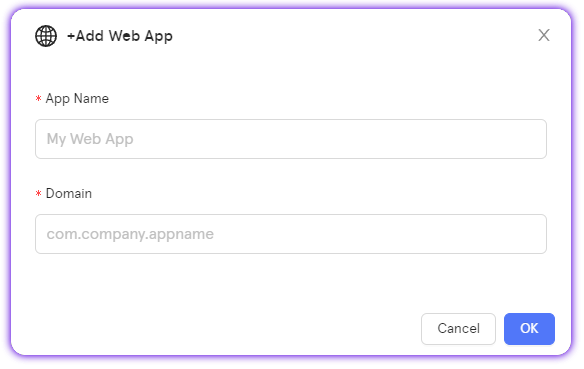
  <Accordion title="Create a new web application, or skip this step if you already have one">
    <div className="flex justify-center">
      <img className="block h-64 dark:hidden" src="https://mintcdn.com/particlenetwork-fccf74d2-chore-updates/ndJ547Yc_XelwS5B/social-logins/images/web-app.png?fit=max&auto=format&n=ndJ547Yc_XelwS5B&q=85&s=67b7d833912391980b5ce57184ac1543" alt="Create web app." width="584" height="369" data-path="social-logins/images/web-app.png" />

      <img className="hidden h-64 dark:block" src="https://mintcdn.com/particlenetwork-fccf74d2-chore-updates/ndJ547Yc_XelwS5B/social-logins/images/web-app.png?fit=max&auto=format&n=ndJ547Yc_XelwS5B&q=85&s=67b7d833912391980b5ce57184ac1543" alt="Create web app." width="584" height="369" data-path="social-logins/images/web-app.png" />
    </div>
  </Accordion>

  <Accordion title="Retrieve the project credentials (project ID, client key, app ID)">
    <div className="flex justify-center">
      <img className="block h-64 dark:hidden" src="https://mintcdn.com/particlenetwork-fccf74d2-chore-updates/8iZajNBu4sT1FbM4/social-logins/images/credentials.png?fit=max&auto=format&n=8iZajNBu4sT1FbM4&q=85&s=d9cd00411128247fdd7ad8e2c6c86c68" alt="Find app's credentials." width="1039" height="800" data-path="social-logins/images/credentials.png" />

      <img className="hidden h-64 dark:block" src="https://mintcdn.com/particlenetwork-fccf74d2-chore-updates/8iZajNBu4sT1FbM4/social-logins/images/credentials.png?fit=max&auto=format&n=8iZajNBu4sT1FbM4&q=85&s=d9cd00411128247fdd7ad8e2c6c86c68" alt="Find app's credentials." width="1039" height="800" data-path="social-logins/images/credentials.png" />
    </div>
  </Accordion>
</AccordionGroup>

## Lesson 1 Video

The video below walks you through the first lesson:

<iframe width="100%" height="500" src="https://www.youtube.com/embed/xHSepSlrRf8" title="Lesson 1: Initialize the UA" allow="accelerometer; autoplay; clipboard-write; encrypted-media; gyroscope; picture-in-picture" allowfullscreen="true" />

## TL;DR

The video covers setting up a basic Web3 dApp using `ethers.js` as the provider and then initializing a Universal Account. Here's a quick recap:

You can access and import the `UniversalAccount` class in your app as follows:

```tsx theme={null}
import { UniversalAccount } from "@particle-network/universal-account-sdk";
```

Then, initialize the UA instance once a user has connected like in the following example:

```tsx theme={null}
const ua = new UniversalAccount({
  projectId: process.env.NEXT_PUBLIC_PROJECT_ID!,
  projectClientKey: process.env.NEXT_PUBLIC_CLIENT_KEY!,
  projectAppUuid: process.env.NEXT_PUBLIC_APP_ID!,
  ownerAddress: address,
  // If not set it will use auto-slippage
  tradeConfig: {
    slippageBps: 100, // 1% slippage tolerance
    universalGas: true, // Prioritize PARTI token to pay for gas
    //usePrimaryTokens: [SUPPORTED_TOKEN_TYPE.SOL], // Specify token to use as source (only for swaps)
  },
});
```

<Tip>
  The `slippageBps` value is in basis points: 100 = 1% slippage tolerance.
  Setting `universalGas: true` allows users to pay transaction fees with PARTI tokens on any blockchain.
</Tip>

You can find more details in the full [Universal Accounts SDK Reference](/universal-accounts/ua-reference/desktop/web).

You can now use the `ua` instance to fetch data (addresses and balances) and send transactions across multiple blockchains, which we'll cover in the next lessons.

<Card title="Lesson 2: Fetch Addresses and Balances" icon="coins" href="./lesson-2">
  **Ready to continue?** Head over to Lesson 2: Fetch Addresses and Balances.
</Card>

<Info>
  **Having issues?** Contact us via the [Support Telegram Bot](https://t.me/particle_developer_bot).
</Info>