
From here, you can manage projects, track users, customize login flows, configure paymasters, and access node endpoints.
Particle Network dashboard.
Project Management
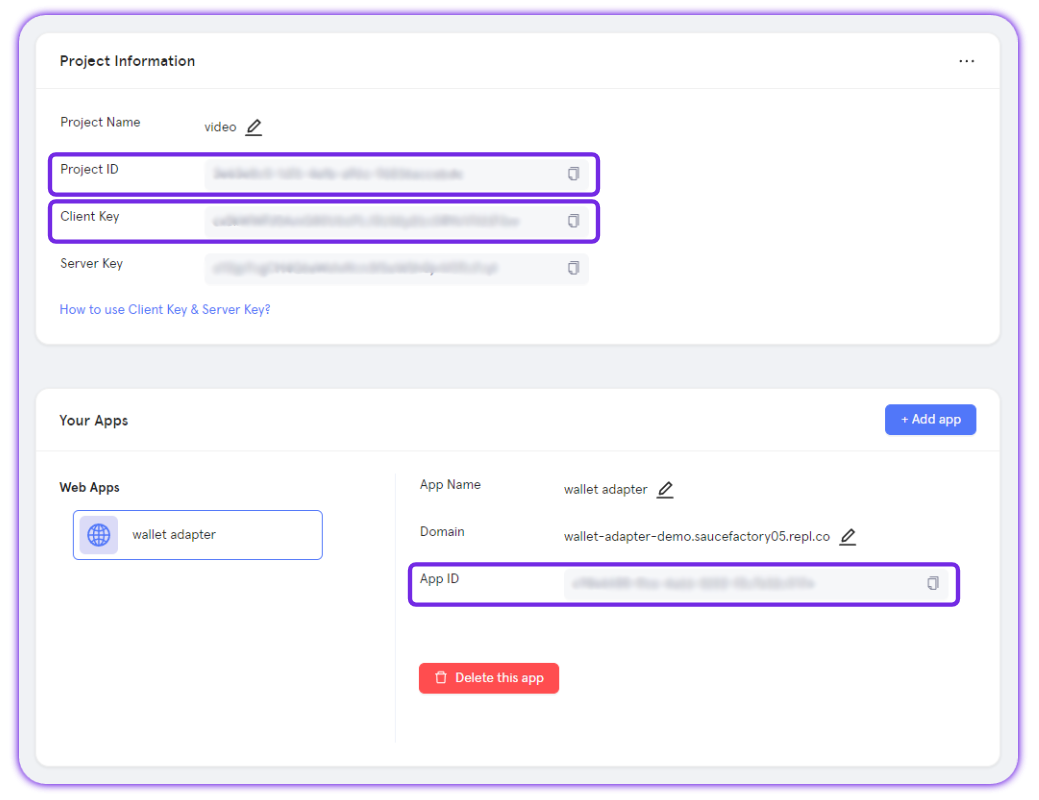
Every SDK requires three values: Project ID, Client Key, and App ID.You create these inside the dashboard by setting up:
- Projects: Containers for multiple applications with shared settings.
- Applications: Specific instances (Web, iOS, Android) identified by an App ID.
- Multi-device login: Keep user accounts consistent across devices.
- Redirect links: Define where users land after login.
When creating an app, you’ll need to specify a domain. This can be any domain, even a placeholder like
demo.com.Access the Particle Dashboard
Access the Particle Dashboard
Sign up or Log in into the Particle dashboard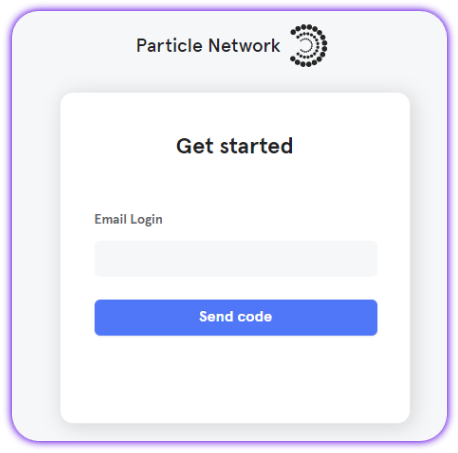
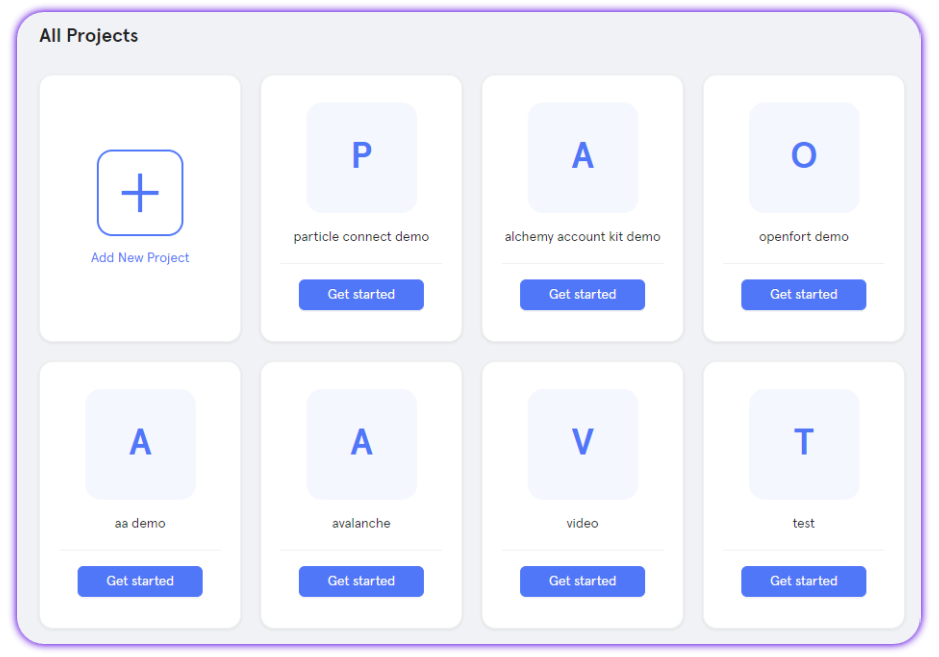
Create a new project or enter an existing project
Create a new project or enter an existing project
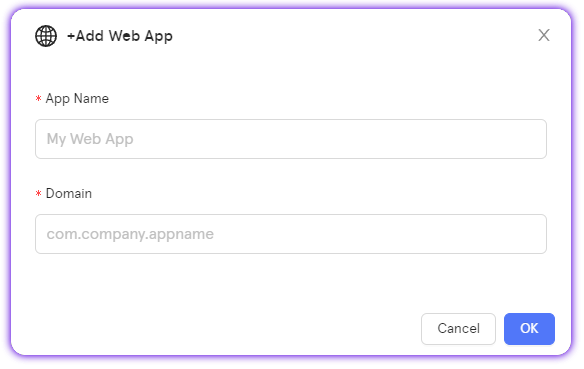
Create a new web application, or skip this step if you already have one
Create a new web application, or skip this step if you already have one
Retrieve the project ID (projectId), the client key (clientKey), and the application ID (appId)
Retrieve the project ID (projectId), the client key (clientKey), and the application ID (appId)
User Activity
The Activity tab gives you real-time insight into app usage:- Total, new, and active users
- Wallet connections and social logins
- Verification messages (SMS + email)
Team
Use the Team tab to invite collaborators:- Administrators: Full edit access (apps, branding, authentication, etc.)
- Viewers: Read-only access
Users
The Users tab lists all individual users of your apps, showing:- Linked social accounts (if any)
- EVM and Solana addresses
- Sign-up and last active timestamps
getUserInfo.
Custom Auth
For apps needing custom login flows, the Custom page supports JWT-based authentication (RS256).Configure fields like:
- JWKs URI
- Custom ID key
- Validation rules
Find a comple guide on how to implement custom authentication via JWT.
Paymaster
The Paymaster page manages Particle’s Omnichain Paymaster:- Deposit stablecoins on one chain (e.g., Ethereum, BNB)
- Sponsor gas fees across 35+ supported chains
- Track deposits and usage
Stats
The Stats tab shows analytics for requests tied to your project:- Method distribution (e.g.,
eth_getBalance) - Success rate
- Total request count
📹 A quick dashboard walkthrough video is available.